
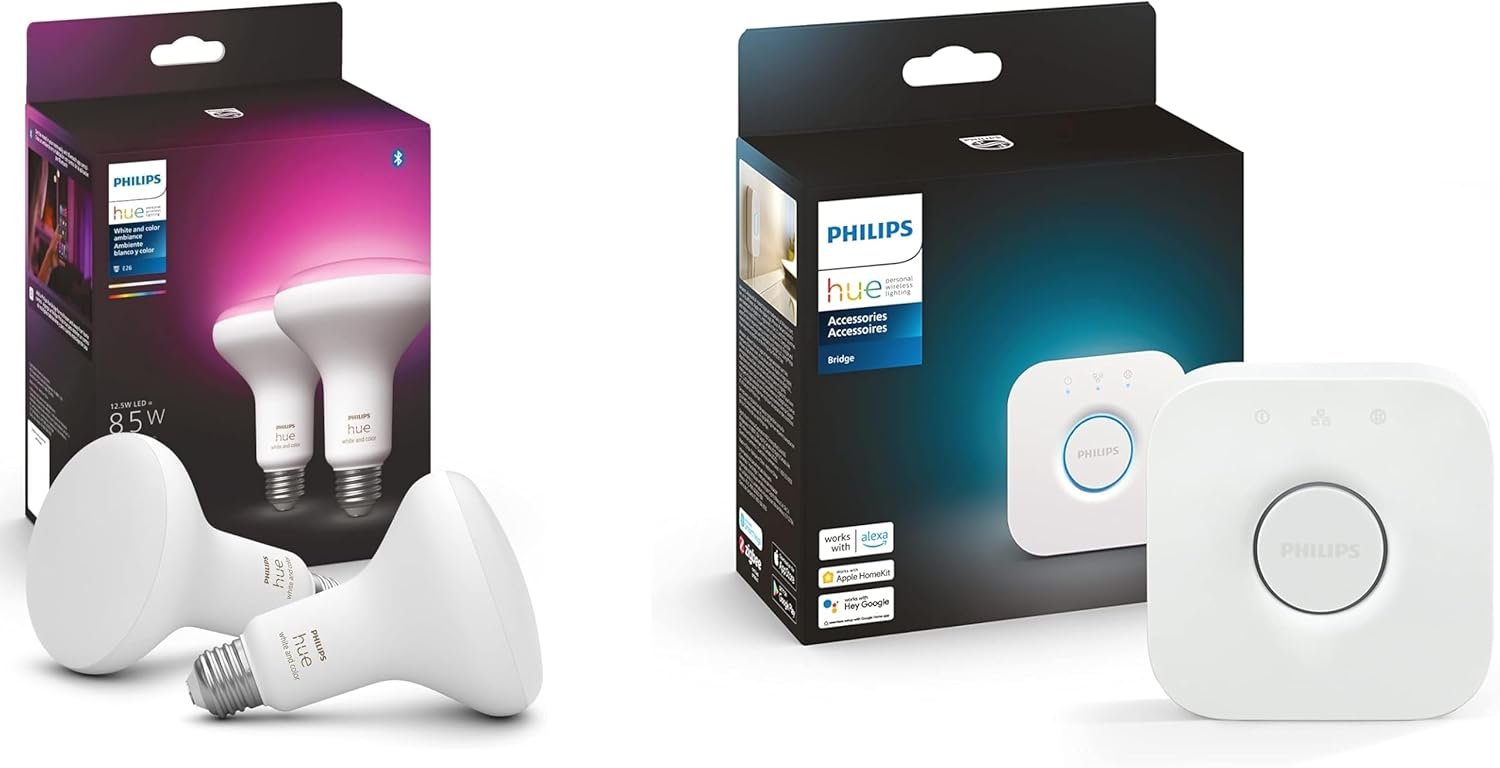
Philips Hue Smart Lighting Bundle: 2-Pack BR30 LED Smart Light Bulbs (White and Color Ambiance) with Philips Hue Bridge – Control with Hue App, Compatible with Alexa, Google Assistant, Apple Homekit
$109.99
Related Products




From the brand
Shop Philips Hue
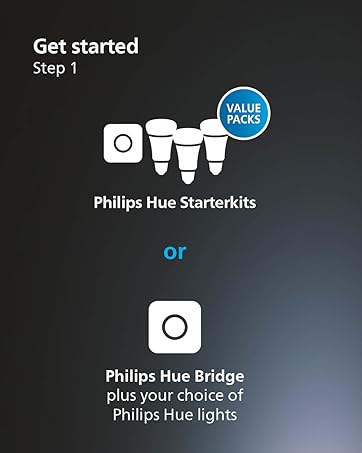
WHAT’S IN THE BOX – Includes two 85W BR30 WCA Bulbs and one Hue Bridge that unlocks the full potential of your Philips Hue system, including automations, smart control from anywhere in the world, and so much more.
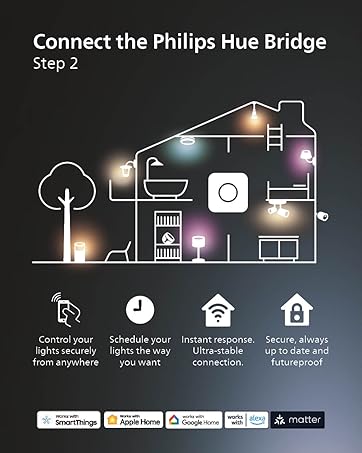
SECURE AND STABLE CONNECTION – With Zigbee advanced technology, Bridge ensures a reliable connection that won’t put a strain on your Wi-Fi. Your Hue lights will work even when your Wi-Fi is down. Enjoy an instant response with no delays.
UNLOCK THE FULL POWER OF HUE – Add a Hue Bridge to enjoy automations, control from anywhere in the world, and a secure, stable connection that won’t drain your Wi-Fi. Use Matter to connect your smart home devices to your Hue smart lighting system.
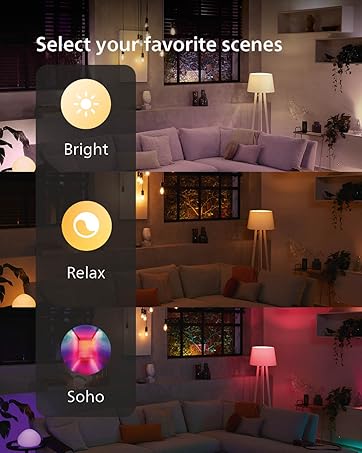
MILLIONS OF COLORS – The White & Color Ambiance range offers both warm-to-cool white and millions of colors straight out of the box. Simply screw it in! Once in your fixture, our smart LED bulbs can dim, brighten, and set the mood instantly.
CONTROL LIGHTS FROM ANYWHERE – Bridge enables out-of-home control. Control your lights with the Hue app anywhere you have an internet or cellular connection. Forgot to turn off your lights? Turn them off with the app, from anywhere in the world.
5 reviews for Philips Hue Smart Lighting Bundle: 2-Pack BR30 LED Smart Light Bulbs (White and Color Ambiance) with Philips Hue Bridge – Control with Hue App, Compatible with Alexa, Google Assistant, Apple Homekit
Add a review

$109.99
JVi –
Solid mood lighting with convenient smart features
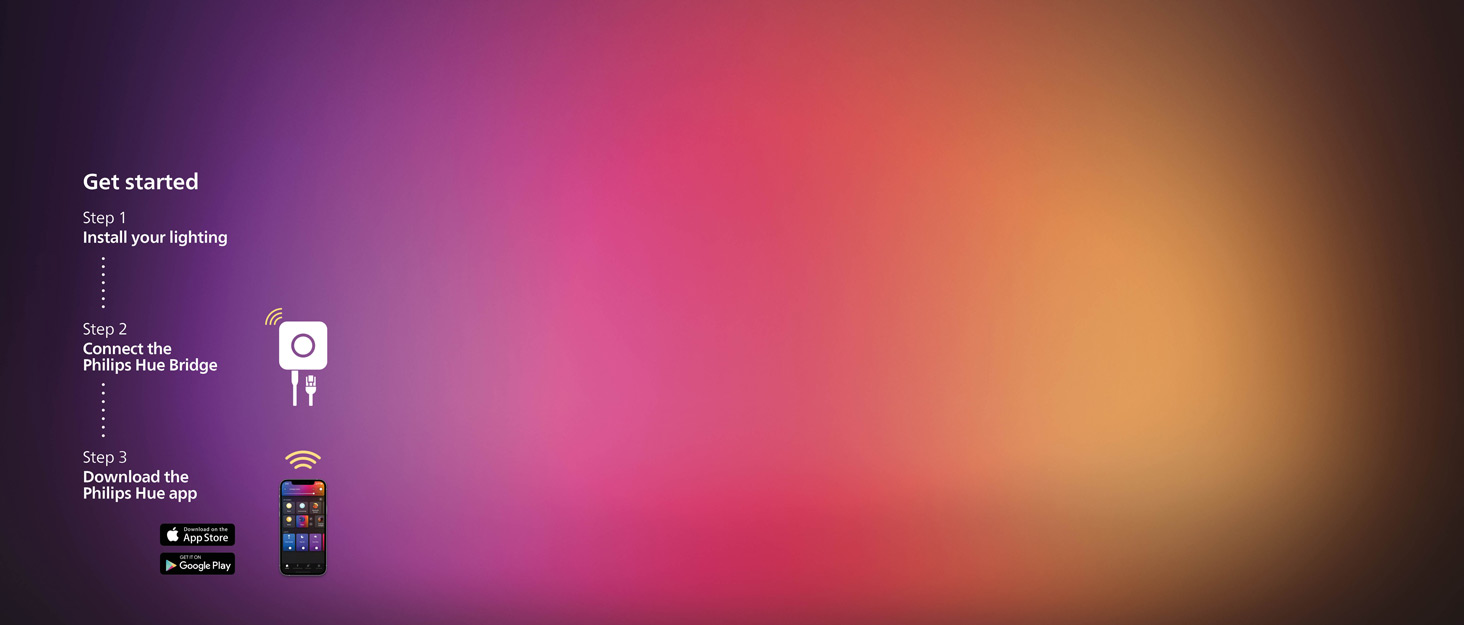
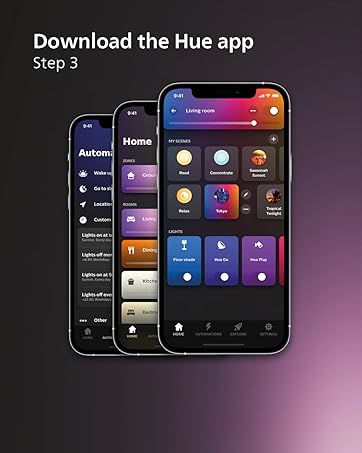
The colors are not super intense but they are a great addition to our mood lighting setup. Been using these Philips Hue bulbs with the bridge for about three weeks now and they provide nice ambient color options without being overwhelmingly bright.Bridge setup was straightforward. Plugged it into my router, downloaded the Hue app, and paired the two BR30 bulbs within minutes. Zigbee connection has been stable with no dropouts or delays. Lights respond instantly to commands without lag which is important for smart home reliability.Millions of color options give plenty of variety for different moods and occasions. While the colors aren’t super vibrant or saturated, they work perfectly for creating relaxed ambient lighting. Warm to cool white range is useful for adjusting color temperature throughout the day.Out of home control through the Hue app is convenient. Can turn lights off remotely when I forget before leaving the house. Checking light status from anywhere eliminates that “did I leave the lights on” anxiety.Integration with Alexa works seamlessly for voice control. Can dim, brighten, or change colors hands free which is great when cooking or doing other tasks. Automations through the app let me schedule lights to turn on at sunset automatically.85W equivalent brightness is adequate for BR30 flood lights in recessed fixtures. Not designed for task lighting but perfect for ambient and mood applications. E26 medium base fits standard fixtures without issues.Stable Zigbee connection doesn’t strain WiFi network which matters in a house with many connected devices. Lights work even when internet drops.
Hidden for Security Purposes –
Excellent First Step into Hue
While our smart home is based on Apple HomeKit, we’re trying to use Matter-compatible devices as much as possible. So when I saw this, I had to jump, not only because the bulbs are Matter-compatible, but it would be my first foray into the Philips Hue system.To start, you definitely need the Bridge. I already had a Matter-compatible hub from Aqara, which works for Aqara devices, but apparently the Hue bulbs need to be initialized with the Philips Hue Bridge. I tried several times to get the bulbs added into the Apple Home app without the Bridge, to no avail. So the first step is getting the Bridge out of the box and set up. You will need to connect the Bridge to your network via ethernet, not wifi. I don’t know why, but wifi isn’t an option, which also means your placement of the Bridge is limited to where you have your router or access point.The setup of the Bridge is relatively painless, requiring about 5 minutes of time, but you’ll need to get the Hue app first, then scan the QR code on the bottom of the Bridge. That’s annoying, but it’s hopefully only necessary the first time. Once the Bridge is configured and on your network, it’s very easy to add accessories by scanning the QR code printed on each bulb.I didn’t play around with the Hue app too much, since we use the aforementioned Apple Home app for our smart home needs, but it looked very comprehensive. It was easy to add the bulbs, then to sync them to the Home app, just go to Settings, then Smart Home, and choose which ecosystem you’d like the bulbs to show up in. Once they’re in your preferred ecosystem, you can control them in any way you need, or use the Hue app for whatever features haven’t been implemented in the ecosystem yet. I don’t know which ones they are, since I was only really concerned with simple things like automatically turning them on and off or changing the color, but I know those other features exist.In all, I’m quite happy with them, and while I can’t afford to replace all my bulbs with Hue ones, that would be pretty awesome from a smart home / automation standpoint.
Mitzie –
very dim output for color lights
The color lighting on these is very dim, no vibrancy or depth at all. The standard white light is bright and ok. I bought these for the colors and the intensity just isn’t there. Certainly nothing like the pictures in the sales ad. Not a good value for the money if you want intense color. The only intense color I have so far is from nanoleaf and even then I could want more color, I want this to light stuff up like an old grow light. That red.
You are the product –
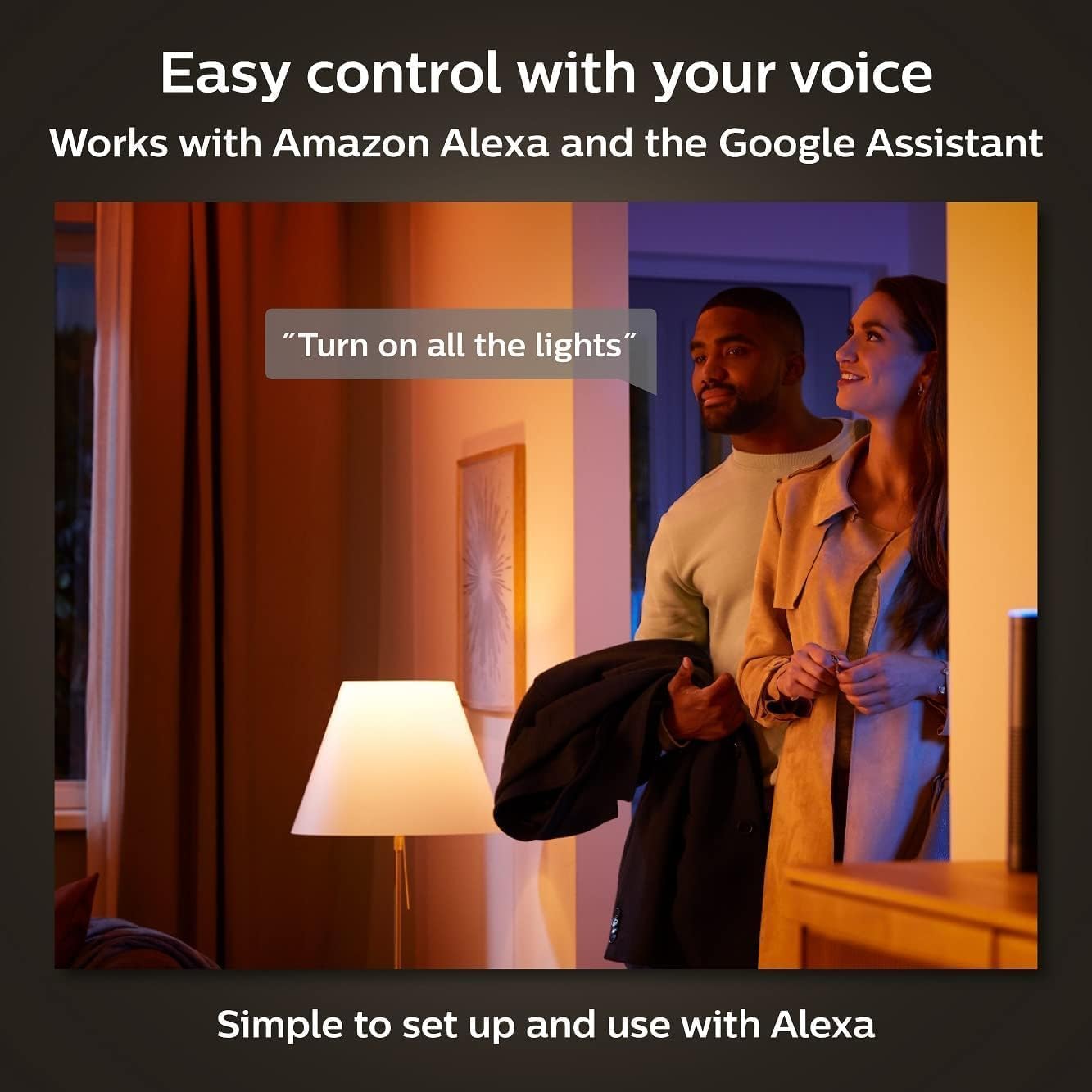
Good. Questionable brightness, can’t use typical dimmers. Bridge add features for other Hue lights!
These lights are pretty good. I’m unconvinced they’re 1200 Lumens brightness.There are no specs on CRI (Color Rendering Index), that’s “how good does the light look?” To me, the CRI is pretty good. At this price point, they should look good. I feel these are a bit overpriced for what they are. I was more motivated since I already had another Hue light that would benefit from having the Hue Bridge.You cannot use any typical dimmer switch (even modern ones)–only special Philips Hue dimmers. That’s a bummer for me because I already have modern wall switch dimmers throughout my home.The bulbs claim 25,000 hours of lifespan. So I guess check back with me after ~3 years of running the lights…The Hue Bridge is great if you already have other Philips Hue lights. I have the Philips Hue Datura Smart Ceiling Panel. Now with the Hue Bridge, I have less latency when turning that light on/off, I’m able to schedule much more automations independent of my phone being in the house, etc.The Hue Bridge hardware requires a wired ethernet connection for initial setup. Not a big deal, that may require you to plug into your wifi router located out of the way. You can later unplug it for wifi-only operation. The Bridge has a power supply wall wart. It’s 5V, so why not just use USB-C USB-PD?
Martha –
User-friendly smart lighting.
Setting up the lights is straightforward, and the app is user-friendly. The color options are vibrant, and the ability to adjust brightness is a nice touch. Connecting to voice assistants works well, making it easy to control without using your phone. However, the bulbs can be a bit pricey compared to standard ones, and the bridge requires a separate setup. If you lose the bridge, you lose the smart features, which is something to consider. Overall, they function well and add a nice ambiance.